If you need to update your passport image in the Senit App, you should follow the steps below.
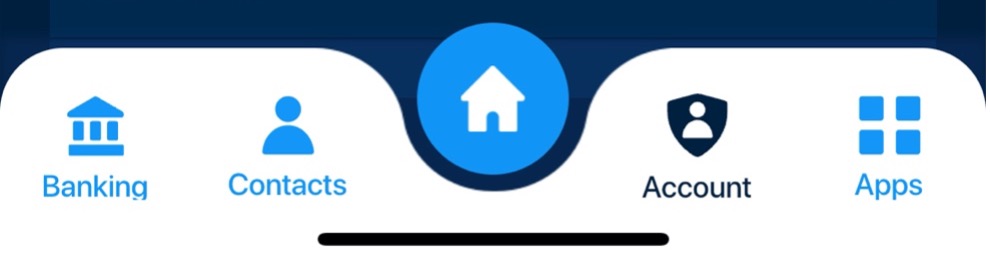
- Select the Account module located at the bottom right of the app’s footer
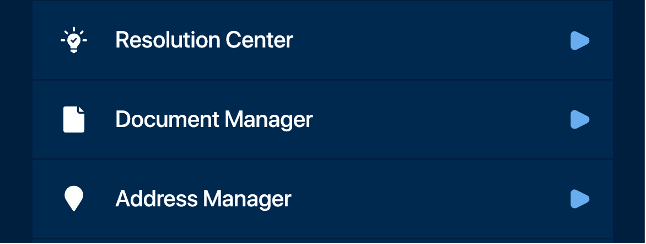
- Select Document Manager
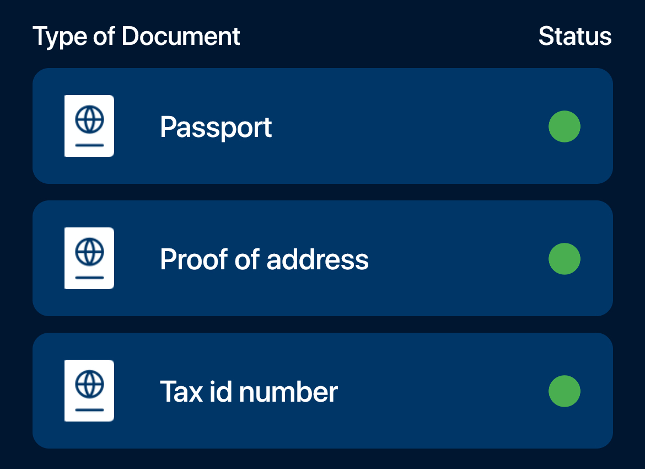
- Select Passport

If you need to update your passport image in the Senit App, you should follow the steps below.
Powered by BetterDocs


